Home > Uncategorized > Cut-Resistant Touchscreen Gloves: A4+ & Tap-Use
Cut-Resistant Touchscreen Gloves: A4+ & Tap-Use
13 May, 2026
By arafatshuvo509
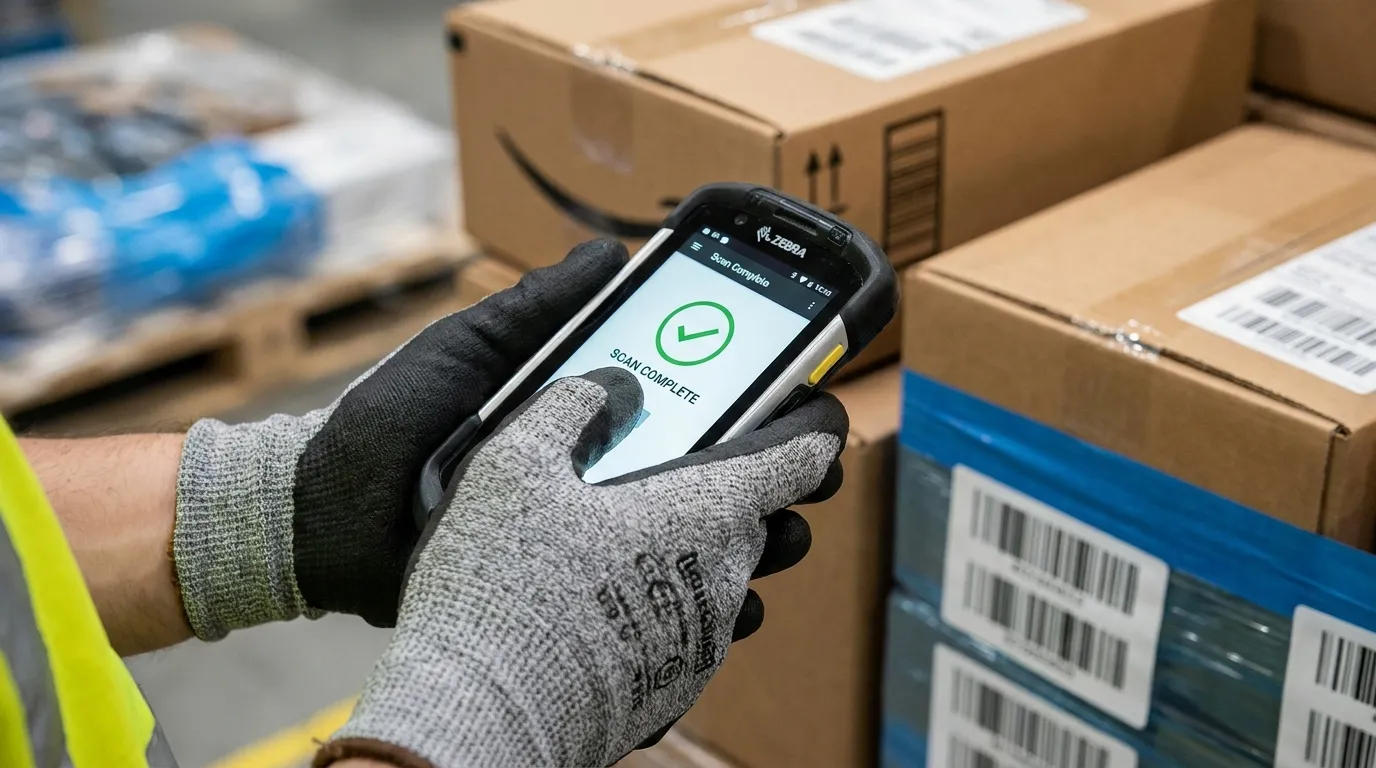
Cut resistant touchscreen gloves work best when A4+ cut protection is paired with conductive yarn, carbon fiber, fingertip patches, or touchscreen-compatible coatings. For warehouse buyers using handheld scanners, the right glove should pass repeated tap, drag, scan-confirm, and tablet-entry tests without workers removing PPE. Do not choose by cut level alone.
Warehouse teams lose time when workers remove gloves to tap a scanner, sign on a tablet, or correct a pick error. The risk is bigger than speed. If gloves come off during active handling, cut protection stops at the exact moment workers still face carton blades, straps, pallet edges, or sharp parts. The right glove needs to protect hands and keep the device workflow moving.
Do cut-resistant touchscreen gloves really work on scanners and tablets?
Cut-resistant touchscreen gloves work when conductive yarn, carbon fiber, fingertip patches, or conductive coatings carry enough signal to the screen. For warehouse scanners, the real test is whether workers can tap, confirm, drag, and rescan consistently.
Most warehouse scanners and tablets use capacitive screens. That means the screen needs a conductive path from the finger area to register touch. A normal cut-resistant shell can block that signal, even if the glove feels thin and flexible.
A touchscreen-ready cut glove solves this by adding conductive material into the fingertip, yarn, coating, or patch zone. Ansell also frames touchscreen-compatible cut gloves as a way to help workers avoid removing PPE when using industrial devices, which matters in logistics and warehouse settings.
Use a simple pass check before approving samples:
Can the worker scan a barcode and tap confirm without a missed press?
Can they scroll a pick list without drag delay?
Can they type a short SKU or exception code?
Can they do the same after one shift, not only with a fresh glove?
How does touchscreen function work through an HPPE or cut-resistant shell?
Touchscreen function works by creating a conductive path between the hand and the screen. In cut-resistant gloves, that path usually comes from carbon fiber, conductive yarn, fingertip patches, or a touchscreen-compatible palm coating.
HPPE is common in cut-resistant glove shells because it helps give strong cut protection with lower weight. On its own, though, a cut-resistant shell may not activate a capacitive screen. The glove needs a conductive element in the right place.
A useful way to compare glove designs is by where the touch function lives. Some gloves place conductive yarn in the thumb, index, and middle finger. Others use a patch or coating. NMSafety’s touch screen glove content also points to carbon fiber in finger areas as a way to maintain conductivity for touch use.
Conductive yarn vs fingertip patch vs conductive coating
Touchscreen design
Best use
Buyer caution
Conductive yarn in fingertips
Scanner taps, phone use, light tablet input
Touch area may be limited to certain fingers
Carbon fiber blend
Touch use plus possible ESD-related needs
Check whether the glove is meant for safety, ESD, or both
Fingertip patch
Simple tap tasks and button presses
Patch wear can reduce touch response
Conductive coating
Broader contact area for touch and grip
Dirt, oil, or coating wear can affect performance
For electronics or PCB work, do not assume every conductive glove is enough. If static control is part of the task, review anti-static gloves as a separate buying question.
What ANSI cut level should a warehouse buyer choose for touchscreen gloves?
Choose ANSI A4+ based on the actual cut hazard, not the highest number available. For scanner-heavy warehouse work, A4 to A6 often gives the best balance of cut protection, touch control, grip, and all-day wear.
ANSI cut levels run from A1 to A9, with higher numbers showing higher cut resistance. The ANSI/ISEA system helps buyers compare hand protection in a more structured way, and OSHA requires hand protection when workers face hazards such as cuts, lacerations, abrasions, and punctures.
For a full cut rating breakdown, use NMSafety’s cut-resistant glove guide. This article should stay focused on the touch-use decision, especially for scanners and tablets.
Cut level range
Typical warehouse fit
Touchscreen buying note
A4
Cartons, packaging, light sharp edges, general receiving
Often a strong starting point for scanner-heavy teams
A5
More frequent contact with sharp edges, straps, or mixed materials
Good balance when cut risk is higher but dexterity still matters
A6
Higher-risk handling, sharper parts, tougher receiving work
Test tap accuracy carefully before bulk ordering
A7 to A9
Extreme cut hazards, heavy sharp metal, severe exposure
May reduce dexterity depending on glove build
The highest cut level is not always the best warehouse touchscreen choice. It works when sharp metal or glass risk is high. A4 to A6 is often safer for scanner-heavy work because workers are less likely to remove a glove that fits, taps, and grips well.
Which glove construction gives better tap accuracy and lower drag latency?
Tap accuracy and drag latency depend on fingertip design, glove thickness, fit, coating, and screen type. A glove that taps once during a sample demo is not proven for warehouse use.
Tap accuracy means the screen registers the intended button, not the button beside it. Drag latency means the screen follows a swipe or scroll without hesitation. These details matter when workers scroll pick lists, drag inspection forms, or enter exception notes.
Sample type
Best for
Likely tap accuracy
Drag or swipe control
Buyer caution
A4 PU-coated conductive fingertip glove
Dry cartons, scanners, light parts
High if the fit is snug
Good for short swipes
PU grip may not suit oily work
A5 foam nitrile touchscreen glove
Mixed warehouse handling
Medium to high
Good if coating stays responsive
Confirm touch works after dust or oil exposure
A6 reinforced touchscreen glove
Sharper receiving tasks
Medium
Can feel slower if thicker
Test typing and small buttons
A7+ high-cut glove with small touch zone
Severe cut exposure
Variable
Often weaker for tablet work
Use only if cut risk requires it
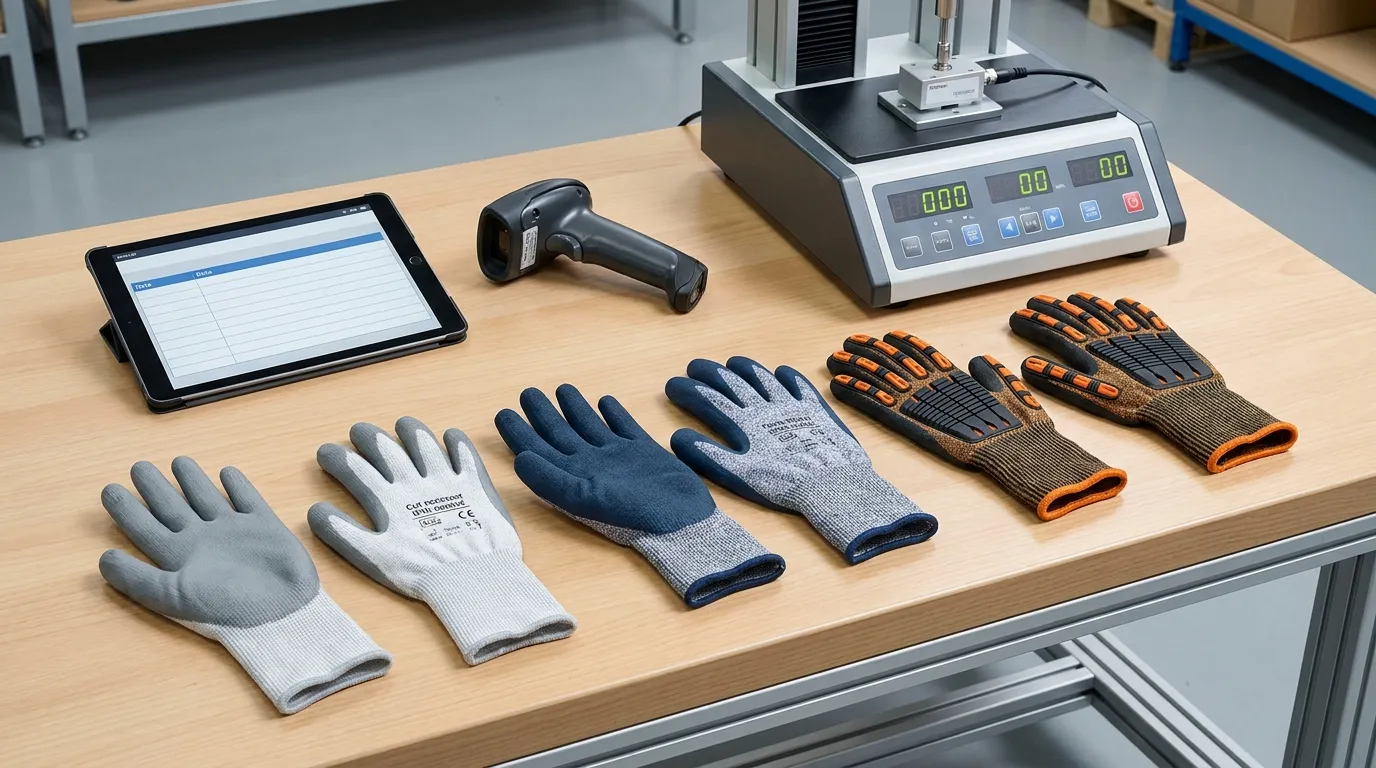
60-second tap and drag test for receiving teams
Ask each worker to wear the sample glove and complete the same device task used on-site. They should scan a barcode, tap confirm, scroll a list, open a small menu, type a short SKU, and correct one entry.
Score each sample as pass, caution, or fail. A glove that passes on one phone but fails on the warehouse scanner should not be approved for that workflow.
Fingertip-only touchscreen patches are useful, but they are not always enough for tablet workflows. They work for simple taps. Broader conductive coating or well-placed conductive yarn may perform better for dragging and scrolling.
How should buyers test gloves with handheld scanners before bulk ordering?
Test cut-resistant touchscreen gloves on the exact scanner, tablet, and workflow used on-site. A glove should pass repeated scan-confirm, scroll, search, and exception-entry tasks before procurement approves a bulk order.
OSHA’s hand protection rule points buyers toward task conditions, use duration, and actual hazards when selecting gloves. That same logic fits touchscreen work. The sample test should happen on the floor, not only at a desk.
Use this 6-step scanner workflow field test:
Scan a normal barcode from a carton or pallet label.
Tap the confirm button 20 times across different screen positions.
Search one SKU or order number using the on-screen keyboard.
Scroll or drag through a pick list or receiving checklist.
Enter one exception note, such as “damaged carton” or “short count.”
Complete one signature, photo upload, or final submit step if used on-site.
Test fresh gloves and gloves after part of a shift. Add dust, cold, or light oil conditions only if they match the real work area. A glove that fails after normal wear can create the same problem as a non-touchscreen glove: workers remove it to finish the task.
Tablet-on-site case: A4+ gloves for a warehouse receiving team
A receiving team handles cartons, plastic straps, pallet wrap, and occasional sharp pallet edges. Workers use handheld scanners for barcode confirmation and a shared tablet for damaged-goods notes. The buyer needs A4+ protection, but device use happens every few minutes.
The first sample is an A4 PU-coated glove with conductive fingertips. It gives strong tap control on the scanner and feels easy for SKU entry. It works best in dry handling, but the buyer should check whether the PU coating gives enough grip when cartons are dusty or lightly damp.
The second sample is an A5 foam nitrile touchscreen glove. It feels slightly thicker, but it grips better when packaging has light oil or film. If the team handles mixed parts, the buyer may compare it with NMSafety’s nitrile-coated grip guidance before choosing.
Test point
A4 PU touchscreen sample
A5 foam nitrile touchscreen sample
Buyer decision
Scanner confirm tap
Fast and accurate
Accurate, slightly less crisp
Both pass
Tablet scroll
Smooth
Slight delay
A4 leads
Grip on dry cartons
Good
Good
Both pass
Grip on light oily parts
Weaker
Better
A5 leads
All-day feel
Lighter
Slightly warmer
Depends on shift length
The best choice is the glove that passes the workflow and hazard test together. A higher cut level only helps if workers keep the glove on.
When should you choose a different glove category instead?
Choose a different glove category when the main hazard is cold, impact, oil exposure, or ESD rather than scanner use with cut risk. Touchscreen compatibility is useful, but it should not override the primary safety hazard.
A touchscreen feature should support the task. It should not hide a poor hazard match. If the main problem is freezing temperature, back-of-hand impact, or static control, choose from that hazard first.
For impact risk, use the impact glove pillar as the handoff point instead of forcing this article to cover back-of-hand protection. Cut rating and impact protection are separate buying decisions.
What should a procurement spec include before ordering?
A procurement spec should state the cut level, touchscreen mechanism, coating, gauge, device test, size range, sample approval process, and replacement triggers. Do not accept “touchscreen compatible” as a complete specification.
A good spec makes the supplier prove the glove fits the task. It also helps purchasing, safety, and warehouse supervisors judge samples the same way. Use ANSI/ISEA 105 classification language where cut level must be clear, and include the device test as part of approval.
For coating selection, send buyers to the relevant pillar only when they need broader coating guidance. A phrase such as coated work gloves fits when the article mentions PU, foam nitrile, and other grip surfaces.
Your procurement checklist should include:
Required ANSI cut level, such as A4, A5, or A6
Touchscreen method, such as conductive yarn, carbon fiber, patch, or coating
Device test, including scanner model, tablet type, and app task
Coating type, such as PU or foam nitrile
Liner gauge and dexterity target
Size range and fit check by worker group
Sample test duration, such as fresh sample plus shift-worn sample
Replacement triggers, such as worn fingertips, damaged coating, or weak touch response
A glove that taps well but fails the hazard risk should not pass. A glove that protects well but forces workers to remove it during scanning should not pass either.
What to Do Next
Choose cut resistant touchscreen gloves by testing protection and device use together. Start with the cut hazard, then compare A4, A5, or A6 samples on the exact scanner and tablet used in the warehouse. Check tap accuracy, drag control, grip, fit, and worker comfort before buying in bulk.
Ask suppliers for the touchscreen mechanism, not only a product claim. Then run the 6-step field test with real workers. The right glove should keep hands protected and keep the workflow moving without glove removal.
Frequently Asked Questions
What are cut resistant gloves made of?
Cut-resistant gloves are usually made with high-performance yarns such as HPPE, engineered fibers, aramid blends, glass fiber blends, steel fiber blends, or proprietary cut-resistant materials. Touchscreen versions add conductive zones so the glove can interact with capacitive screens.
What are the levels of cut resistant gloves?
ANSI cut levels run from A1 to A9, with higher numbers showing higher cut resistance. For warehouse touchscreen work, A4 to A6 often gives a practical balance, but the right level depends on the material handled and the actual cut hazard.
Can cut-resistant gloves work on touchscreens?
Yes, cut-resistant gloves can work on touchscreens when they include conductive yarn, carbon fiber, fingertip patches, or touchscreen-compatible coating. Standard cut-resistant gloves may fail on capacitive screens if they do not provide a conductive path.
Are higher cut levels worse for touchscreen accuracy?
Not always, but thicker or stiffer gloves can reduce tap precision and drag control. Buyers should test A4, A5, and A6 samples on the actual scanner or tablet before choosing the final glove.
Can you wash cut resistant touchscreen gloves?
Some cut-resistant touchscreen gloves can be washed, but the safe method depends on the yarn, coating, and conductive feature. Buyers should follow the manufacturer’s care instructions because heat, harsh chemicals, or abrasion may reduce grip or touchscreen performance.
Are impact gloves also cut-resistant?
Some impact gloves are also cut-resistant, but impact rating and cut rating are separate protections. If workers face both sharp edges and back-of-hand strikes, choose a glove that lists both cut level and impact performance.